

Download the shac to your Phone
The SHAC, Just a Tap Away!
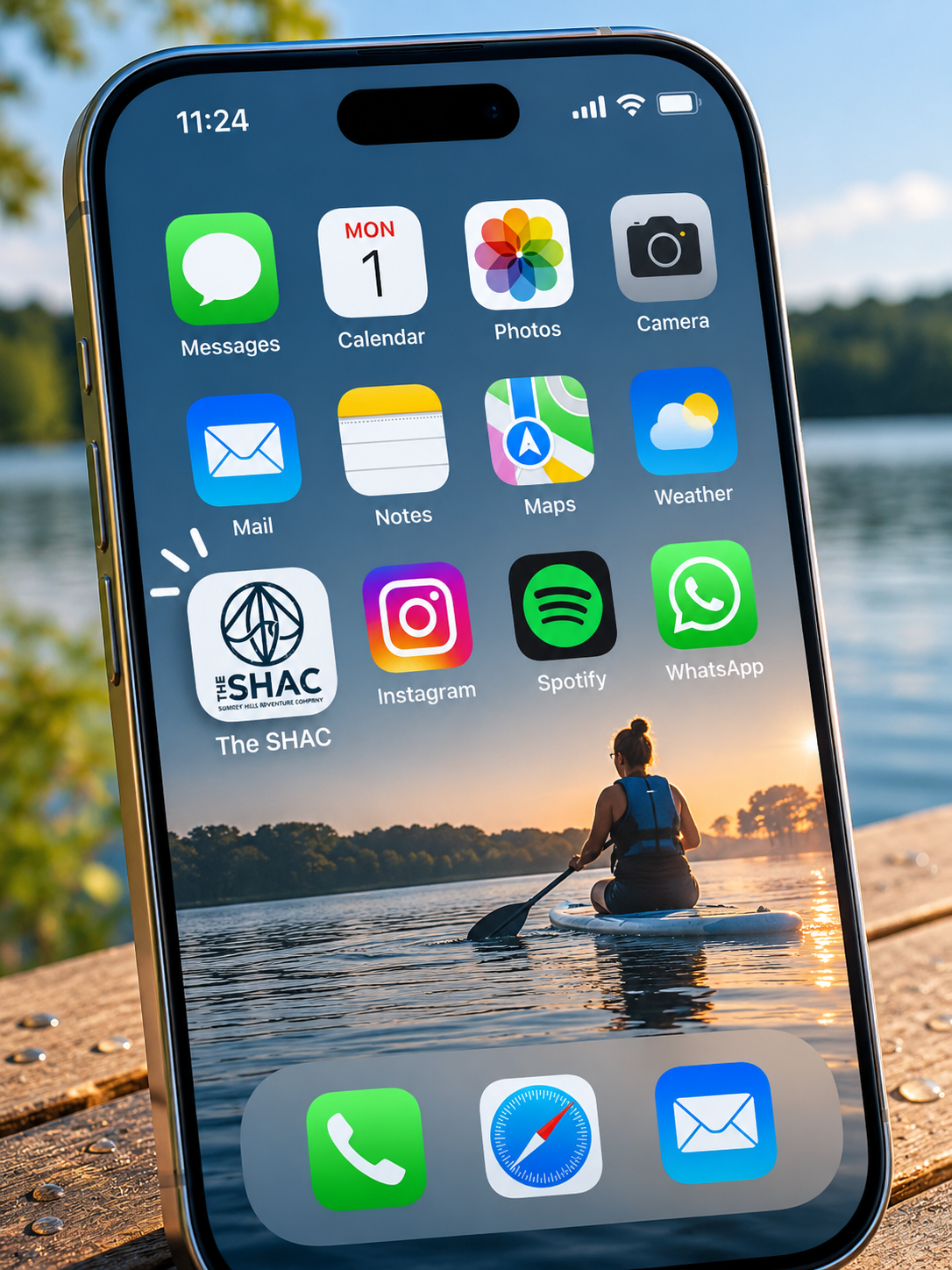
Keep your favourite SHAC activities close at hand.
Whether you're a regular open water swimmer, love getting out on a paddleboard or fancy trying something new, you can add The SHAC to your phone's home screen for quick access to activity bookings.
You'll even have our SHAC logo on your home screen, just like an app!
No downloads. No app store. Completely free.
How to Add The SHAC to Your Phone
First, open our booking page using the button below, then follow the instructions for your phone.
Using an iPhone
Open The SHAC booking page in Safari (click button above).
Tap the Share icon (the square with an upward arrow).
Scroll down and select Add to Home Screen.
Name it The SHAC, then tap Add.
Using an Android Phone
Open The SHAC booking page in Chrome (click button above).
Tap the three-dot menu in the top-right corner.
Select Add to Home screen.
Choose Create shortcut if prompted, then tap Add.
You're All Set!
Look for The SHAC icon on your phone's home screen.
Next time you're ready for a swim, paddleboarding session or a little wellbeing by the water, simply tap the icon to open The SHAC.
See you on the water!